

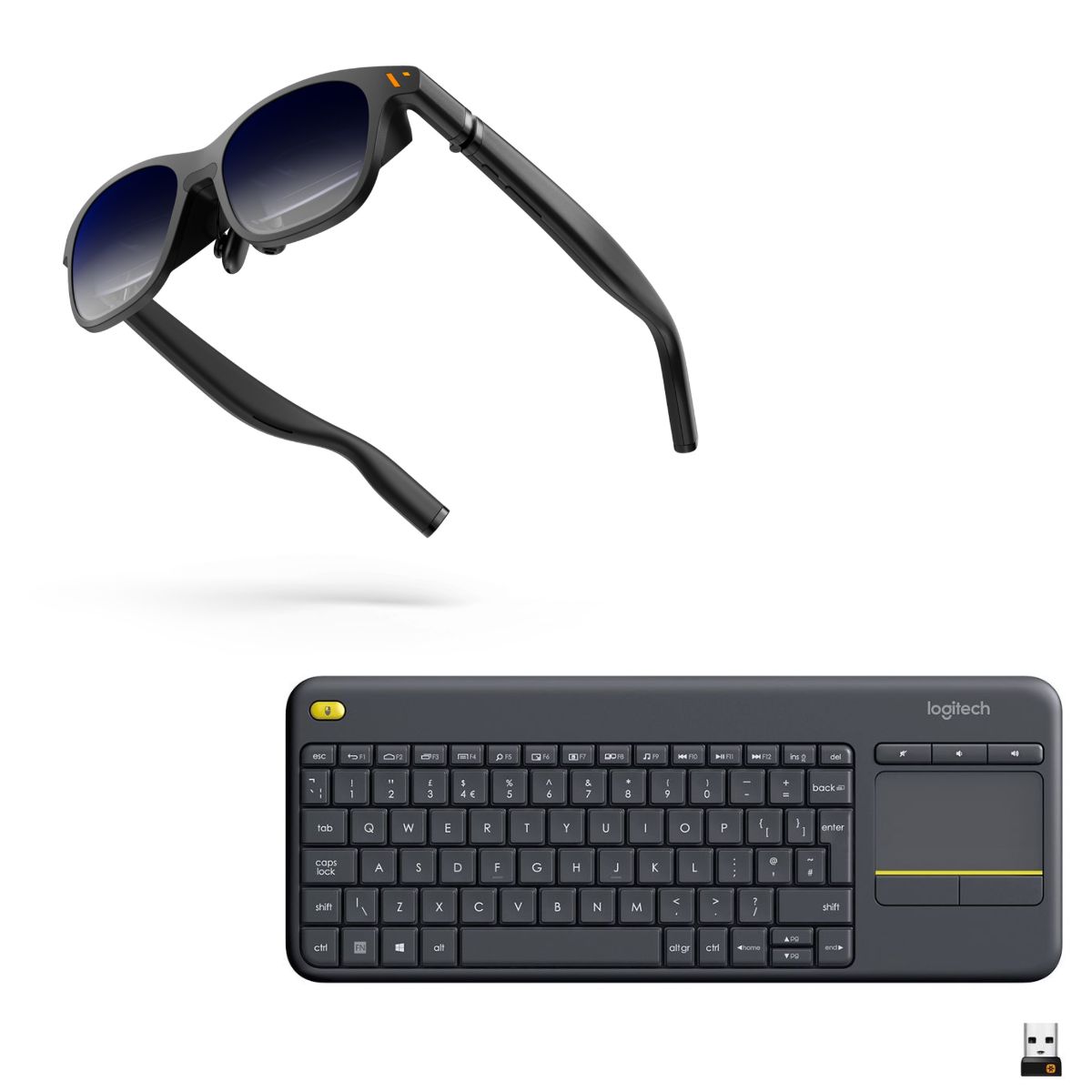




VITURE Pro XR Glasses + Logitech K400 plus wireless Keyboard Business & Travel Bundle
The Ultimate Travel & Business Bundle The sleek Viture Pro XR Smart Glasses paired with the Logitech K400 Plus Wireless Keyboard create the perfect combination for business professionals, content creators, and travellers on the move. Enjoy a massive 146-inch virtual display wherever you go.
Description
The Ultimate Travel & Business Bundle The sleek Viture Pro XR Smart Glasses paired with the Logitech K400 Plus Wireless Keyboard create the perfect combination for business professionals, content creators, and travellers on the move. Enjoy a massive 146-inch virtual display wherever you go.
Simply plug the Viture Pro XR Smart Glasses into your laptop, connect the Logitech K400 Plus Wireless Keyboard, and transform any space into your personal workstation. One of the biggest advantages is complete privacy. With the virtual display visible only through your glasses, you can close your laptop screen and work confidently in public spaces without worrying about prying eyes.
Whether you’re editing videos, reviewing confidential documents, responding to emails, or managing projects on the go, your work remains for your eyes only. Lightweight, portable, and incredibly easy to set up, this bundle delivers the ultimate balance of productivity, privacy, and convenience—making it the ideal companion for modern professionals who need to work from anywhere.
Whats in the box:
1 X Viture PRO XR Glasses + 1 x Logitec K400 plus wireless Keyboard
| Feature | VITURE Pro XR Glasses |
| Dimensions of Glasses Case | 186.0 × 76.0 × 76.0 (mm) |
| Weight of XR Glasses | 77g |
| Weight of Glasses Case | 280g |
| Myopia adjustments | 0.0D to -5.0D |
| Resolution | 1920 × 1080 per eye |
| Refresh Rate | 120Hz, 90Hz, 60Hz |
| Contrast ratio | 100,000:1 |
| Colors | 108% sRGB |
| PPD | 49 |
| IPD | 56.5-70.5mm |
| FOV | 46° |
| Brightness | 4,000 nits |
| Brightness control | 7 levels |
| Speakers | Built-in spatial sound |
| Fundamental frequency (F0) | 270 Hz ± 40 |
| Optical transmittance | 0.5-40% |
| Haze | < 1% |
| Discoloration time | 0.1 seconds |
| Control | Description |
| Adjust brightness/volume | Press the Adjustment button (long button) to increase or decrease the brightness (default) or volume. |
| Switch between brightness and volume adjustment | The default is brightness adjustment, double-press the Mode button (short button) to switch to volume adjustment. |
| Turn Electrochromic Film on or off | Press the Mode button. |
| Switch between 2D and 3D Modes | Press and hold the Mode button. |
| Switch between color schemes | Press and hold the Adjustment + button to open the color scheme selection menu, then use the Adjustment up/down buttons to cycle through the options. |
| Adjust eye axis | Triple-press the Mode button, then press the adjustment button +/- to adjust the eye axis. |
| Turn off the Screen | Press and hold the - button. |
| Press any button to turn on the screen. |
